Convert JPG to DXF.
Turn a JPG logo, sign or part drawing into DXF outlines for laser, CNC, plasma or CAD software. Trace and inspect it at no charge, then use Pro to download the DXF at your chosen width.
.png.jpg.webp.gif
Drag images here to traceTap to choose images to tracePaste:⌘V
Trace preset:Balanced▼
Applies to images you add next — each one traces as it lands.
Transparent areas become white shapes, and larger images are scaled down to about 0.6 megapixels before tracing.
Your image is uploaded to pic2svg's own server to be traced. What we keep, and for how long
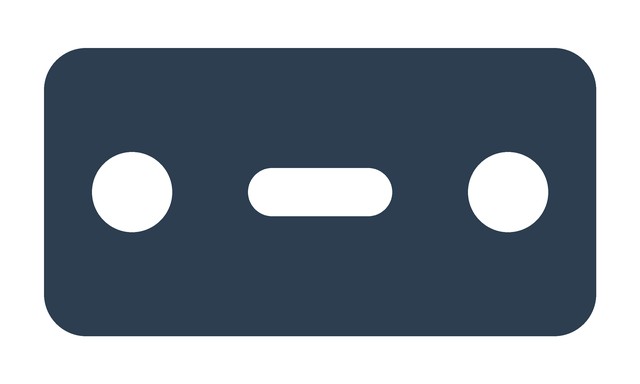
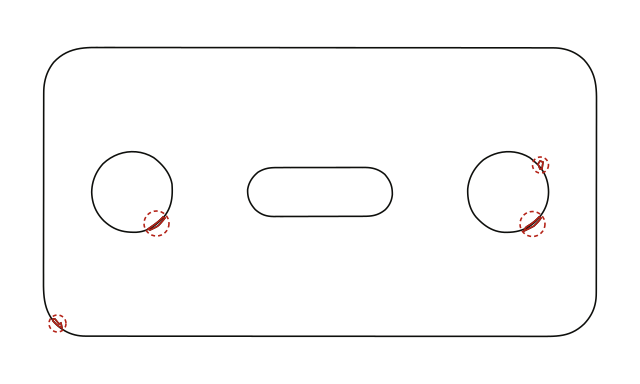
What JPEG compression changed in these drawings
- Filled plate / Bracket line drawing
- The filled plate has 4 closed contours as PNG, 8 at q90 and 17 at q60; the line drawing keeps 9 at all tested qualities. The engine snaps near-flat colours back to an artwork palette, which absorbed this line drawing’s JPEG noise; soft-edged filled areas can fall outside that palette and produce extra contours. These two subjects do not establish a JPEG quality threshold. Use the highest-quality JPG or a PNG you have, then check the contour count in the preview before you pay.
Closed contours: 8 · Specks flagged: 4. 146.32 × 76.43 mm.
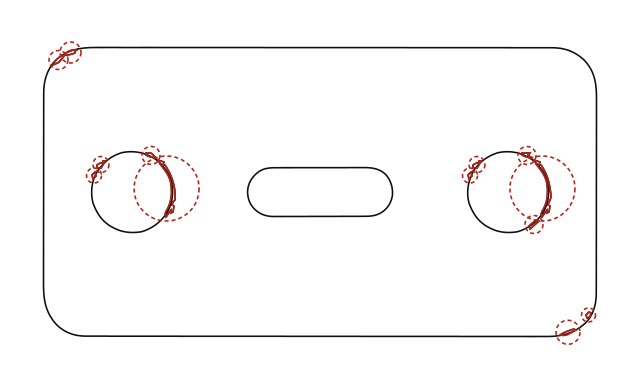
Closed contours: 17 · Specks flagged: 13. 146.32 × 76.47 mm.
Files
| Input | Closed contours | Specks flagged | Width × height (mm) | Files |
|---|---|---|---|---|
| Filled plate · PNG | 4 | 0 | 146.05 × 76.20 | PNG · SVG · DXF |
| Filled plate · JPG q90 | 8 | 4 | 146.32 × 76.43 | JPG · SVG · DXF |
| Filled plate · JPG q75 | 10 | 6 | 146.31 × 76.47 | JPG · SVG · DXF |
| Filled plate · JPG q60 | 17 | 13 | 146.32 × 76.47 | JPG · SVG · DXF |
| Bracket line drawing · PNG | 9 | 0 | 118.53 × 61.38 | PNG · SVG · DXF |
| Bracket line drawing · JPG q90 | 9 | 0 | 118.53 × 61.38 | JPG · SVG · DXF |
| Bracket line drawing · JPG q75 | 9 | 0 | 118.53 × 61.38 | JPG · SVG · DXF |
| Bracket line drawing · JPG q60 | 9 | 0 | 118.53 × 61.38 | JPG · SVG · DXF |
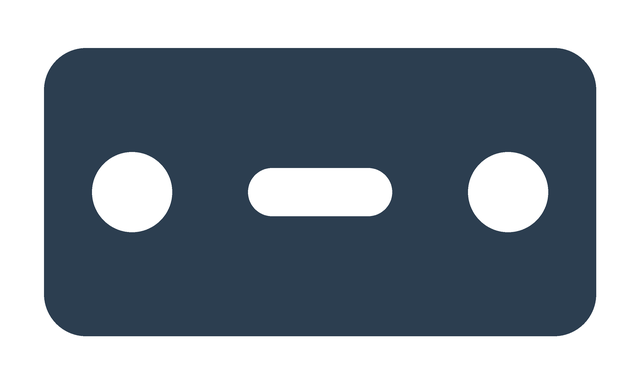
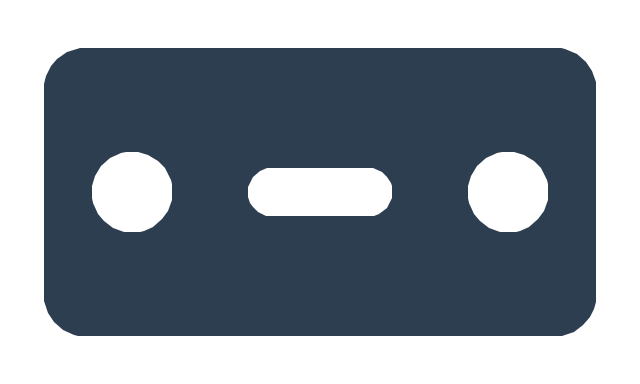
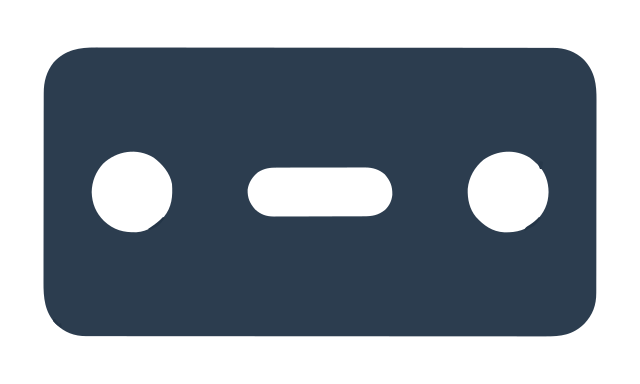
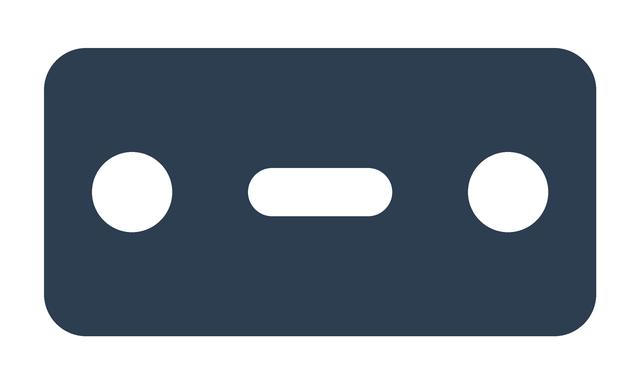
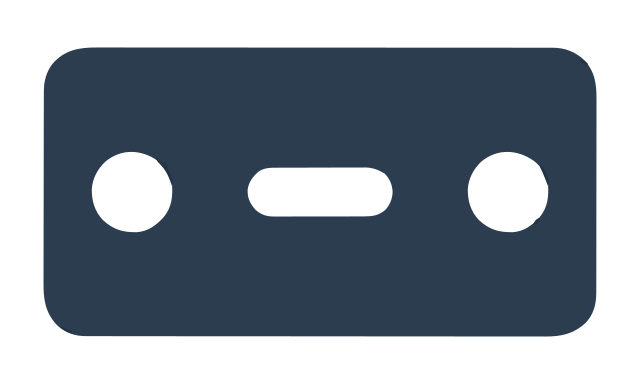
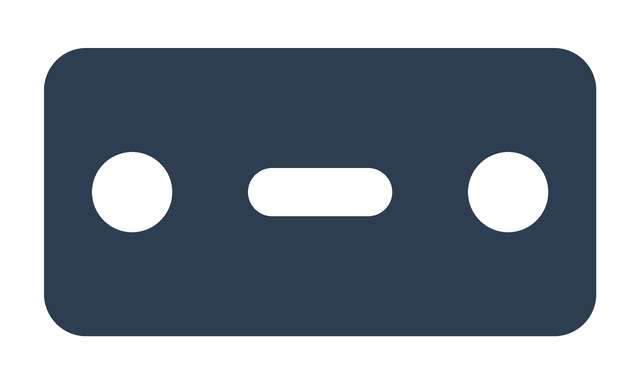
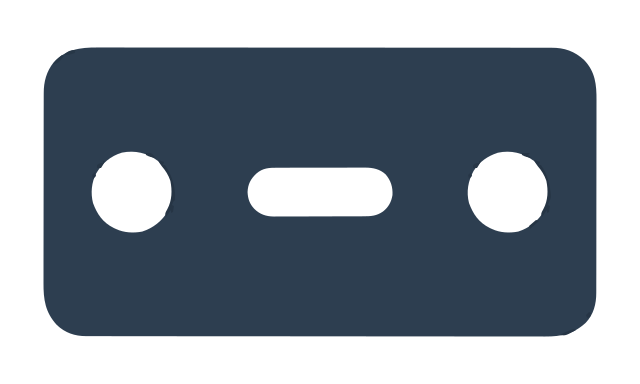
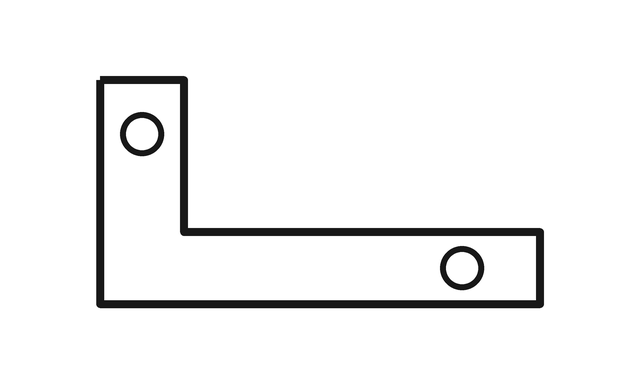
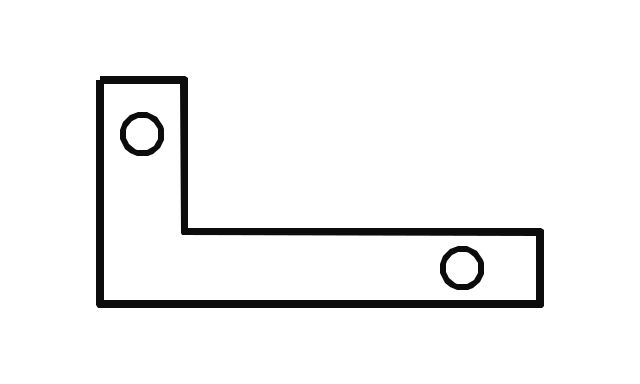
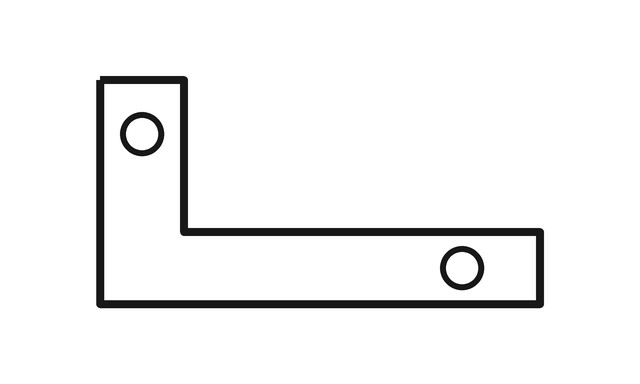
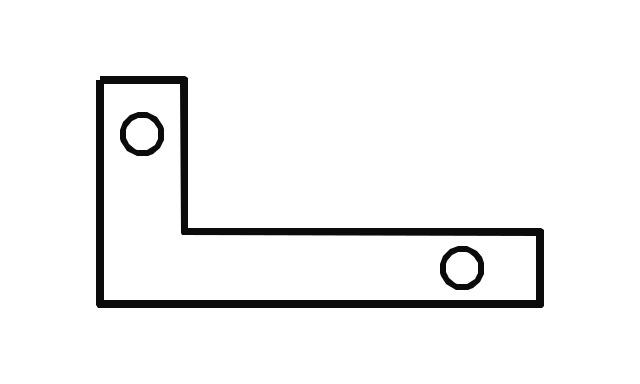
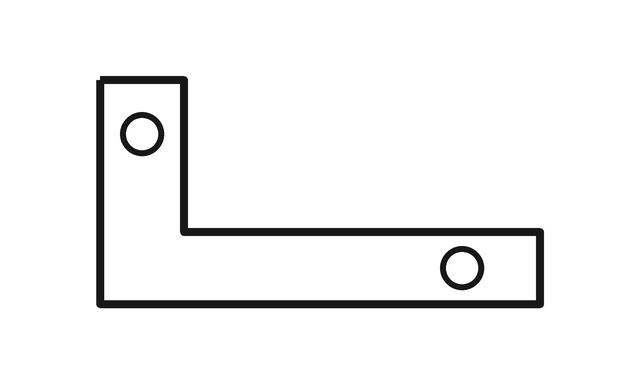
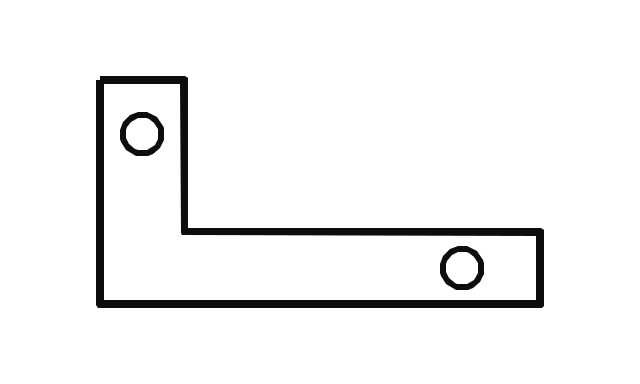
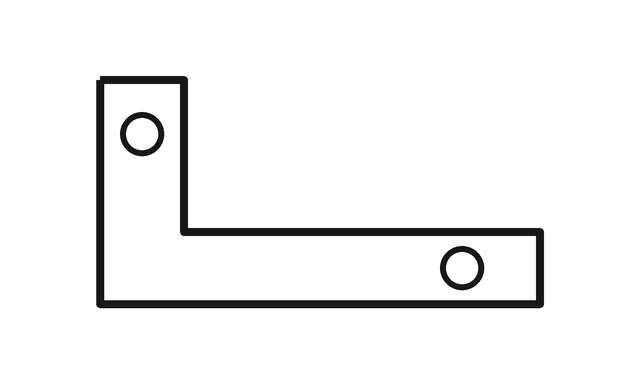
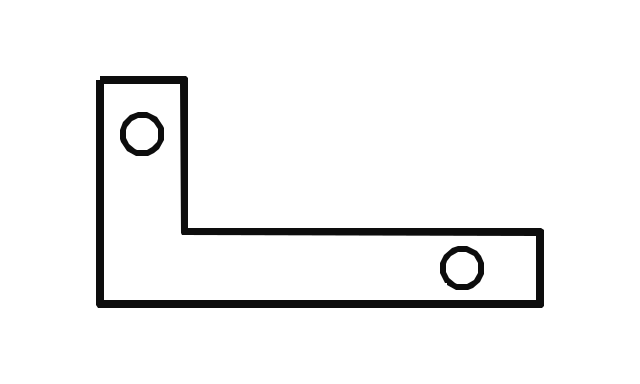
Browser upload path in Chromium, production trace settings; sizes at 96 px/in. Red marks show contours under 16 mm². Measurement data (JSON)
Check the JPG before tracing
- Resolution
- Inspect the original at full size: a missing notch or blurred letter cannot be recovered by renaming JPG to DXF. Enlarging a thumbnail adds pixels, not detail.
- Compression
- Look for blocks and light rings around dark edges. Avoid another JPEG save; a PNG exported from the original drawing is more useful than a PNG made from an already damaged JPG.
- Background
- A JPG has no transparent background. Paper texture, shadows and off-white patches may become additional shapes; prepare a plain background in an image editor first.
DXF limits to check at import
- Stroke boundaries
- A JPG stroke becomes outlines along both edges, not a centre line; see the outline explanation.
- Background and photographs
- Uploads are flattened onto white; a JPG photograph becomes colour bands, which are poor input for a DXF cut path.
- Units and curves
- Output is AutoCAD R2010 LWPOLYLINE in mm, at 96 px/in unless you enter a DXF width; large uploads may be resized first. Curves use 12 samples with Pro or 32 with Advanced. Check dimensions after import.
JPG to DXF questions
- Is JPG to DXF free?
- Tracing, the DXF outline preview and SVG download are free. A DXF download requires Pro: $19.99/month, with a 7-day Pro trial without a card. The trial begins at Google signup or the first login after email verification. See plans.
- Will my JPG make a clean DXF for laser cutting?
- That depends on the JPEG’s edges and compression: our plate gained contours at q60, while our line drawing did not. Compare the preview with the intended cuts and remove unwanted contours before machining.
- Why does my cutter cut a line twice?
- A thick mark in the JPEG has an inner and an outer boundary; both can become cutting paths. Read about stroke outlines before choosing this trace for scoring.
- What size will the DXF open at?
- With no width entered, the traced coordinates use 96 pixels per inch; this is not a measurement of the photographed object. Enter the required DXF width in mm and check the imported units.
- Can I convert a JPG photo to DXF?
- You can trace it, but shading becomes bands of colour rather than a dimensioned part drawing. For a cut outline, start with a high-contrast silhouette or the original flat artwork.