Convert TIFF to SVG.
TIFF is what scanners and print workflows produce: big pixel counts, sometimes CMYK colour, sometimes several pages in one file. Drop a TIFF on this page and pic2svg traces it into filled vector paths. Below: real traces of a 300 dpi drawing scan and a CMYK badge, and what the engine does with each kind of TIFF.
Drop the .tif or .tiff file on this page. Chrome, Edge and Firefox cannot open TIFF themselves, so the converter uploads the file as it is (up to about 45 MB) and the engine reads it on pic2svg's own server, scales it to about 600,000 pixels and traces it into filled vector paths. Tracing, preview and the SVG download are free and need no account; other formats depend on the plan. Large, CMYK, multi-page and 16-bit TIFFs are all read; the table below says what happens to each.
Trace preset:Balanced▼
Applies to images you add next — each one traces as it lands.
The SVG download is free — no account needed.
Transparent areas become white shapes, and larger images are scaled down to about 0.6 megapixels before tracing.
Your image is uploaded to pic2svg's own server to be traced. What we keep, and for how long
Other formats, plans and licences
PDF, EPS, AI (EPS-based) and DXF come with a paid plan, and every new account gets 7 days of Pro free. The free plan and Starter carry a personal-use licence; commercial use needs Pro, and resale needs Advanced — see the licence row on the pricing page.
What does a traced TIFF look like?
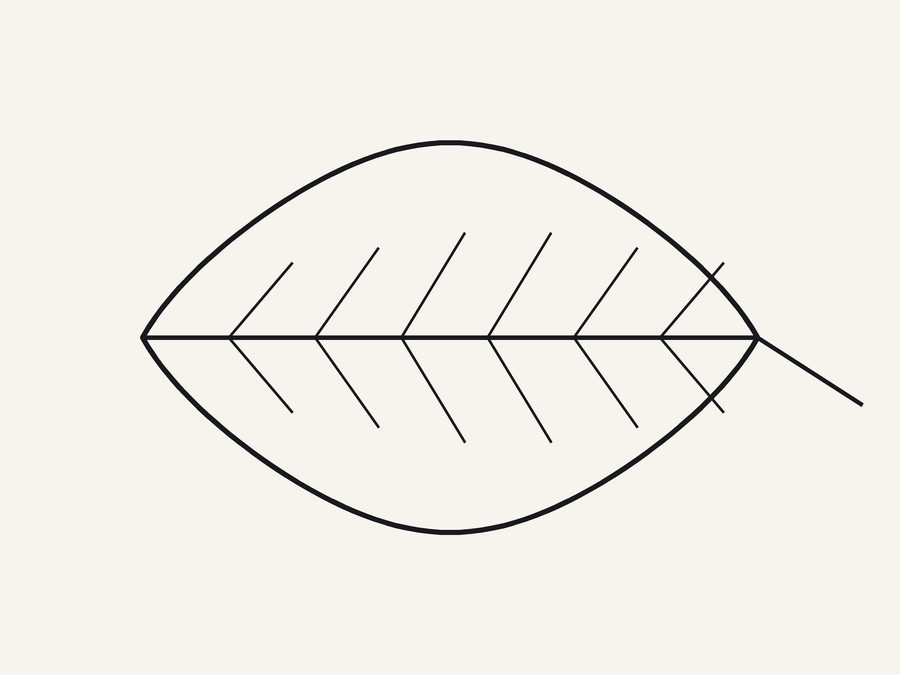
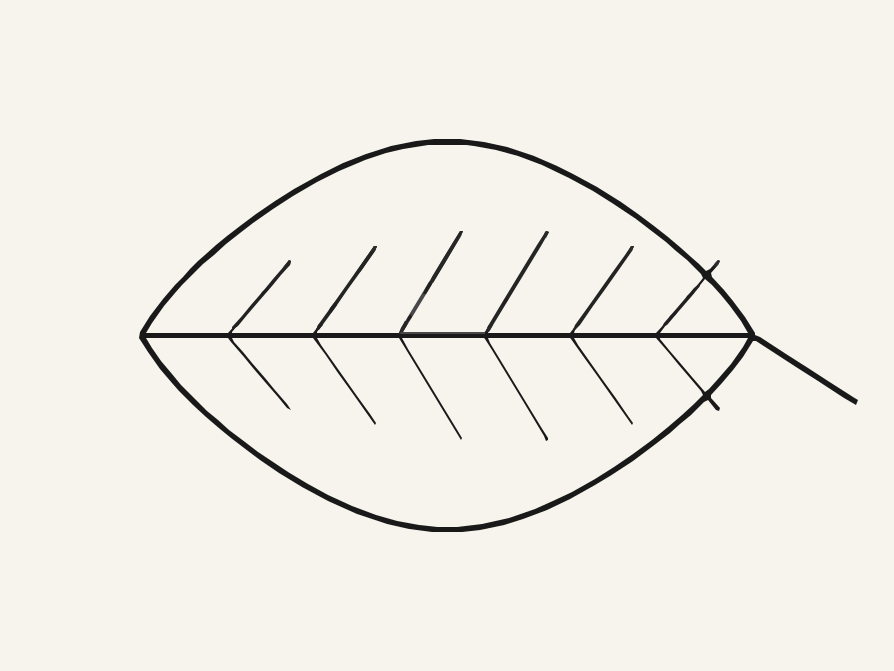
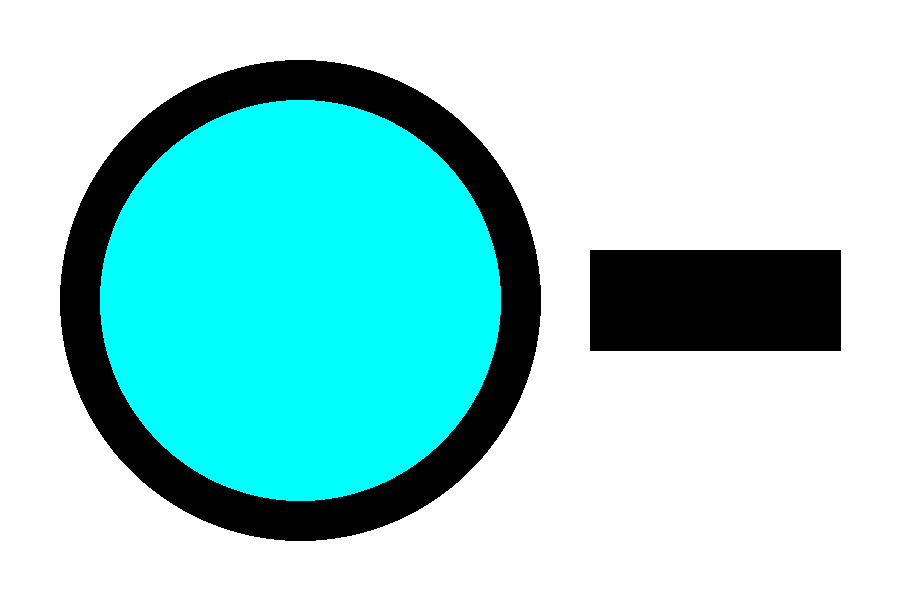
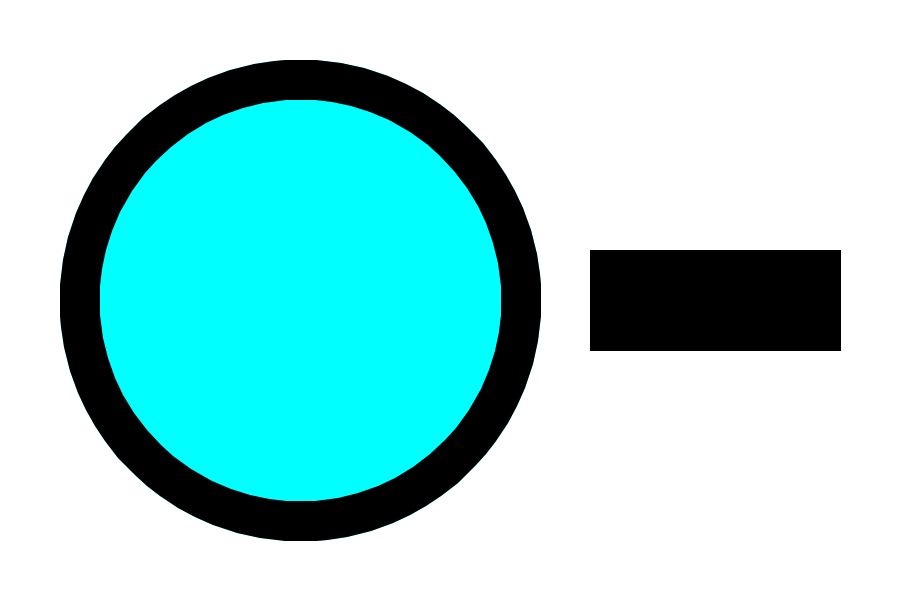
Two TIFFs drawn for this page and traced the way a Chrome, Edge or Firefox upload delivers them (the TIFF file itself) on the default Balanced preset. Browsers cannot display TIFF, so each input panel shows a preview copy; the format, size and dimensions printed under it are the TIFF's own.
A 300 dpi scan of an ink drawing
A CMYK badge separated for print
What does the engine do with each kind of TIFF?
Each row is read from the engine source and checked on a test file drawn by the same script as the examples above.
| Your TIFF | What the engine does | Measured |
|---|---|---|
| Larger than about 600,000 pixels | Scales it down before tracing; never scales up | 2400 × 1800 → traced at 894 × 671 |
| CMYK | Converts to RGB without a colour profile | C100 → #00FFFF, K100 → #000000 |
| Several pages | Traces the first page only | 2-page file → page 1 traced, page 2 ignored |
| Transparency (alpha channel) | Composites it onto white before tracing | Read from load_raster, not separately tested |
| 16-bit greyscale | Scales the 16-bit levels to 8 bits, keeping their brightness | Levels 20000, 40000, 60000 → #4D4D4D, #9B9B9B, #E9E9E9 |
How do you turn a TIFF into a vector file here?
Four steps on this page. A TIFF goes up exactly as you saved it, so prepare it first.
- Step 1
Prepare the file
Split multi-page files so the page you want is first, and crop away margins: the cap is on pixels, so empty paper costs detail on the drawing itself.
- Step 2
Drop the TIFF
Drag the .tif or .tiff onto the converter. Chrome, Edge and Firefox cannot display TIFF, so its thumbnail stays empty until the trace is back; then the converter shows a JPEG of the canvas that was traced beside the vector. Files over about 45 MB are refused.
- Step 3
Pick a preset and check the trace
Balanced is the default. The before/after preview compares the trace with the canvas the engine actually traced, already scaled to about 600,000 pixels, so fine detail lost to that scaling shows up there.
- Step 4
Download the format you need
The SVG download is free and needs no account. PDF needs Starter ($9.99 billed monthly, or $79 billed yearly, which is $6.58 a month); EPS, AI and DXF need Pro ($19.99 billed monthly, or $159 billed yearly, which is $13.25 a month) or Advanced. Without a plan and on Starter the licence covers personal, non-commercial use only; Pro and Advanced cover commercial use. Compare the plans on the pricing page.
The example files
Both TIFFs are published so you can check the numbers or trace them yourself.
The drawing scan
drawing.tif: 2400 × 1800, RGB, LZW-compressed, 300 KB.
The CMYK badge
badge-cmyk.tif: 900 × 600, CMYK, LZW-compressed, 28 KB.
TIFF to SVG questions
- Is converting TIFF to SVG free?
- Yes, as an SVG: tracing, preview and the SVG download are free and need no account. PDF needs Starter ($9.99 billed monthly, or $79 billed yearly, which is $6.58 a month) or higher, and EPS, AI and DXF need Pro or Advanced.
- Can I convert a 16-bit TIFF?
- Yes. 16-bit greyscale levels are scaled to 8 bits before tracing, so a mid-grey stays mid-grey: in our test, levels 20000, 40000 and 60000 of 65535 came back as #4D4D4D, #9B9B9B and #E9E9E9.
- Can I convert every page of a multi-page TIFF?
- Only the first page is traced. Save each page as its own file and trace them together: after a free sign-in a batch takes up to 12 images.
- Will a scanned line drawing become single lines for a plotter?
- No. Ink strokes are traced as filled outline shapes, not centre lines, which suits printing, cutting and engraving but not pen plotters. Drawing to SVG shows what survives from ink and pencil.
- Will the colours of my CMYK TIFF match the print?
- Not exactly. CMYK is converted to RGB without a colour profile, so process colours come back brighter (C100 became #00FFFF), and every export is RGB. Set the final colours by hand in your vector editor.
- Where does my TIFF go?
- To pic2svg's own server (api.pic2svg.com), where the engine traces it; no third-party vectorizer or AI service receives it. Temporary trace files are deleted when the trace finishes (a failed trace can leave one until the server's temporary folder is cleared); the Privacy Policy has the details.