Convert GIF to SVG.
Plenty of old logos, icons and clipart only exist as GIFs: a small palette, on-or-off transparency, sometimes an animation or a dithered gradient. Drop one on this page and pic2svg traces it into filled vector paths. Below: real traces of an animated traffic signal and a dithered sunset, and what each GIF feature turns into.
Drop the .gif on this page. Your browser decodes it, draws a single frame onto white — normally the first, because it is drawn as soon as the file loads — and uploads that frame, as a lossless PNG for flat artwork or a JPEG for photo-like frames; the engine traces it into filled vector paths you can preview straight away. Tracing, preview and the SVG download are free and need no account; other formats depend on the plan. An animated GIF becomes one still SVG, transparent areas become a white shape, and dithered gradients become bands of colour.
Trace preset:Balanced▼
Applies to images you add next — each one traces as it lands.
The SVG download is free — no account needed.
Transparent areas become white shapes, and larger images are scaled down to about 0.6 megapixels before tracing.
Your image is uploaded to pic2svg's own server to be traced. What we keep, and for how long
Other formats, plans and licences
PDF, EPS, AI (EPS-based) and DXF come with a paid plan, and every new account gets 7 days of Pro free. The free plan and Starter carry a personal-use licence; commercial use needs Pro, and resale needs Advanced — see the licence row on the pricing page.
What does a traced GIF look like?
Two GIFs drawn for this page, each prepared the way this website uploads it — one frame flattened onto white and sent as a lossless PNG, simulated with Pillow, which also reads the first frame — and traced on 2026-10-22 on the default Balanced preset with automatic mode detection. Sizes and path counts are read from the files.
An animated traffic signal, three frames
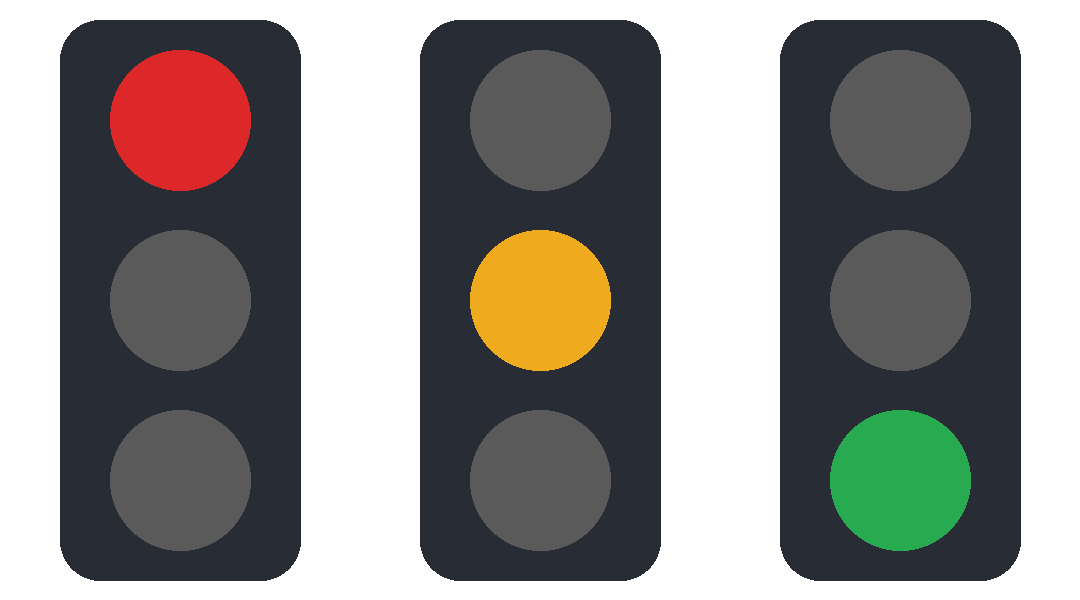
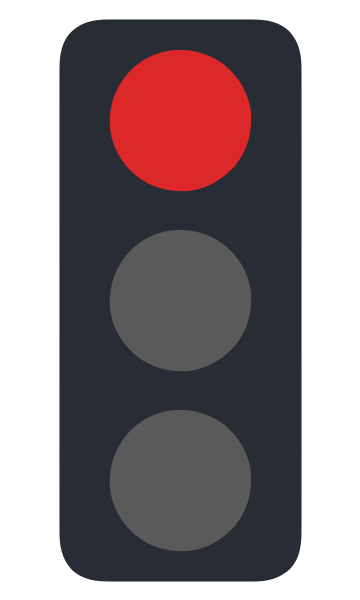
A dithered 16-colour sunset
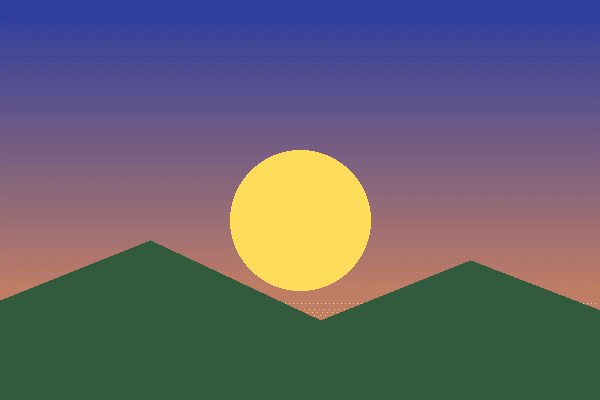
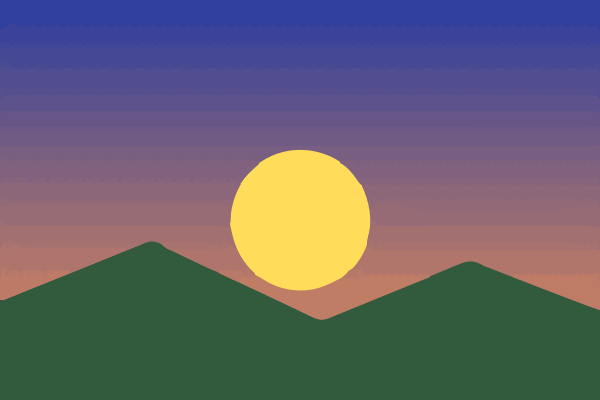
How do you turn a GIF into a vector file here?
Four steps on this page. Most of the result is decided by the frame and the copy you start from.
- Step 1
Choose the frame
If you want a frame other than the first from an animated GIF, export that frame as a PNG in an image editor (GIMP opens each frame as a layer) and drop the PNG instead.
- Step 2
Drop or paste the GIF
Drag the .gif onto the converter, or copy the image and paste it with Ctrl+V (⌘+V on a Mac). The engine never upscales, so a 64-pixel icon is traced at 64 pixels; use the largest copy you have.
- Step 3
Pick a preset and check the preview
Balanced is the default. Compact merges near-identical colours, which helps most on dithered GIFs: it traced the sunset above as 22 paths instead of 150. Look at flat areas for speckles before you download.
- Step 4
Download the format you need
The SVG download is free and needs no account. PDF needs Starter ($9.99 billed monthly, or $79 billed yearly, which is $6.58 a month); EPS, AI and DXF need Pro ($19.99 billed monthly, or $159 billed yearly, which is $13.25 a month) or Advanced. Without a plan and on Starter the licence covers personal, non-commercial use only; Pro and Advanced cover commercial use. Compare the plans on the pricing page.
What happens to each GIF feature?
Read from the converter's upload code and the engine, and measured on the two GIFs above.
| In the GIF | In the SVG | Measured here |
|---|---|---|
| Animation (several frames) | One still frame; the others are dropped | 3-frame signal → first frame only |
| Transparency (each pixel fully on or off) | Painted white before tracing; the white comes back as its own shape | Signal background → #FFFFFF on upload |
| Palette of up to 256 colours | Traced as RGB fills; flat colours come back as flat fills | 8-colour signal → 4 distinct fills on upload |
| Dithered gradient | Bands of colour with dotted seams, not a smooth fade | 150 paths dithered vs 24 undithered |
GIF to SVG questions
- Is converting a GIF to SVG free?
- Yes, as an SVG: tracing, preview and the SVG download are free and need no account. PDF needs Starter ($9.99 billed monthly, or $79 billed yearly, which is $6.58 a month) or higher, and EPS, AI and DXF need Pro or Advanced.
- Can I make an animated SVG from an animated GIF?
- No. One frame is traced and the SVG is a still image. To vectorize several frames, export each as its own image and trace them together: after a free sign-in a batch takes up to 12 images.
- Why does my small GIF logo have so many paths?
- Usually dithering or soft edges: the tracer keeps in-between colours as small shapes. Our hard-edged eight-colour test signal came back as 5 paths, one per shape; the dithered sunset as 150. Try Compact, or reduce the colours without dithering before tracing; reducing the nodes in a traced SVG measures each fix.
- Will the transparent background stay transparent?
- No. Transparent pixels are painted white before tracing, so the SVG has a white background shape. Delete it in a vector editor to get a see-through logo again.
- Is the result a real vector?
- Yes: filled <path> elements with no embedded <image>. See how to check if an SVG is a real vector to verify any file.